Word Counter
Count words, characters, lines and paragraphs of any text online. Real-time results for Chinese and English mixed content: all processed locally in your browser.
How to use
- Paste or type the text you want to count in the box above.
- Results update instantly as you type: no button required.
- "Words" counts each contiguous run of Chinese characters as one word and treats space-separated English tokens as words, so mixed text works correctly.
- Use the Clear button to reset the counter quickly.
FAQ
How is the word count calculated?
Is the result accurate?
Is my text uploaded anywhere?
Screenshots
How to use
- Paste or type your text
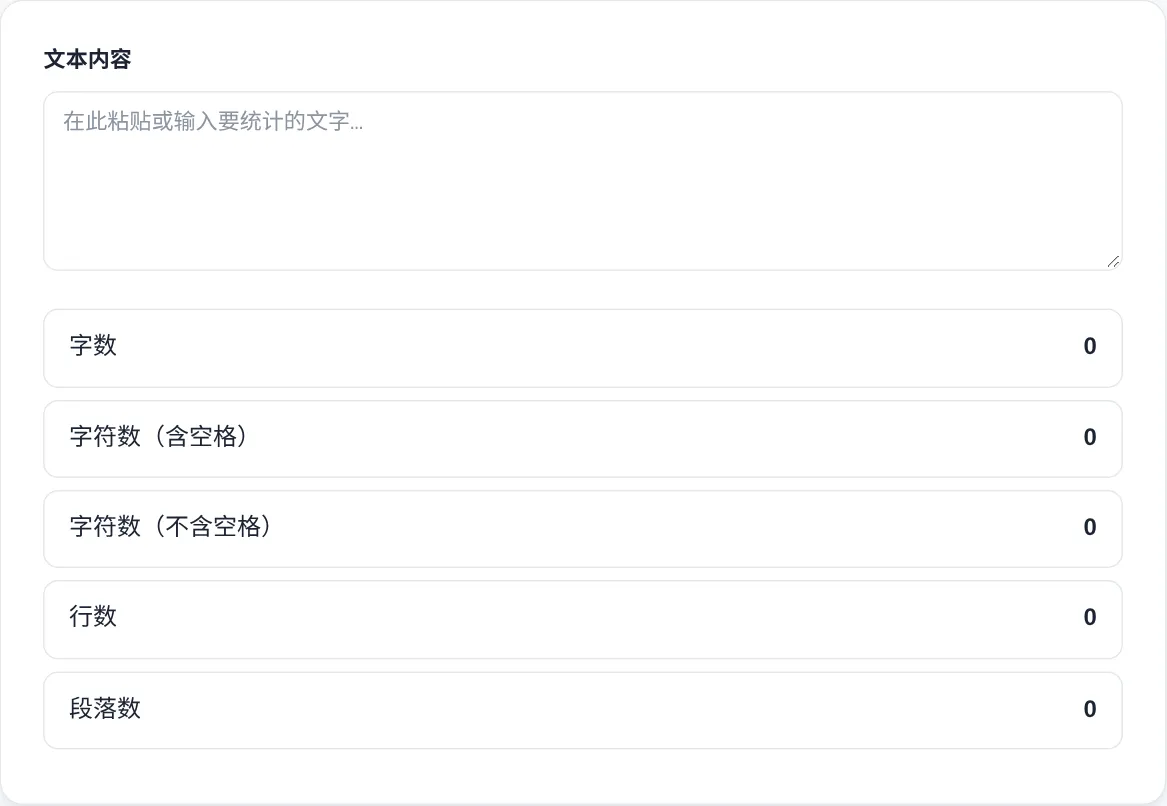
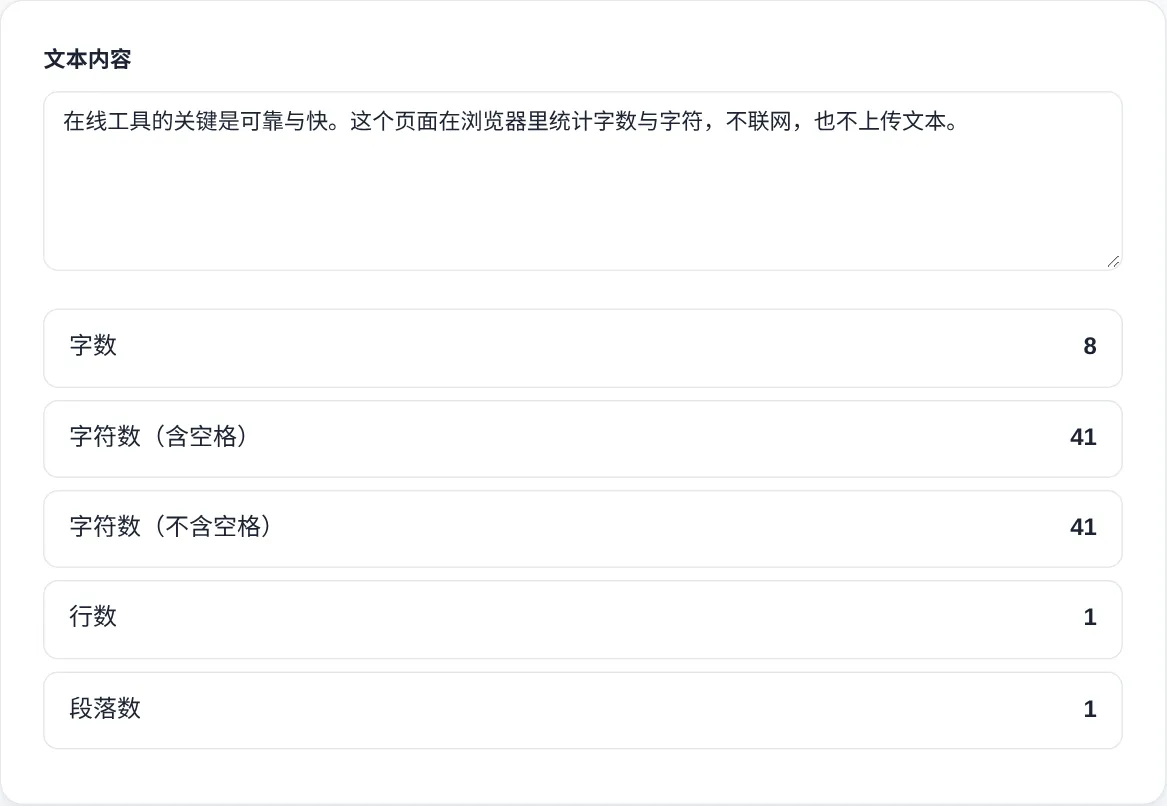
Paste the article or paragraph into the text box, or type directly. All five counters update as you write, so there is no button to press.
- Read the five counters
The result box shows words, characters with spaces, characters without spaces, lines and paragraphs at once. Use the figure that matches your target platform's limit.
- Understand mixed-language counting
Each run of Chinese characters counts as one word, and English and numbers are split on spaces. Mixed Chinese-English text is handled automatically in a single pass.
- Trim toward your limit
When a platform caps length, watch the characters-without-spaces figure while you delete or rewrite sentences. It beats re-selecting the whole text to recount.
- Clear before the next text
Press Clear to empty the box and reset every counter to zero before pasting a new article. Leftover text cannot inflate the next result that way.
About this tool
This word counter runs entirely in your browser and reports five figures at once: words, characters with spaces, characters without spaces, lines and paragraphs. Chinese is counted as one word per contiguous character run, and English is split on spaces. Mixed-language content therefore gets a consistent count with no manual preprocessing.
It suits blog writers checking submission limits, students meeting essay length rules, translators who charge by character, and SEO editors watching search display widths. Paste a draft and the numbers settle at once. Keep editing with a precise target instead of recounting by hand every few minutes.
How it works
Counting words sounds simple until two languages are mixed. English separates words with spaces, so a split on whitespace works well. Chinese and Japanese run characters together, so each contiguous CJK run counts as one word here. The tool counts lines by line breaks and paragraphs by blank lines. There is also an encoding detail. JavaScript strings measure UTF-16 code units, so one emoji contributes two characters, and some combining marks add more. That is the main reason two counting tools can disagree on the same text. Check which unit a tool uses before comparing its numbers with yours.
Length limits on different platforms come from different eras of technology. The 160-character SMS cap dates to a 1985 GSM planning paper, reportedly sized from postcard surveys, and it still shapes notification copy today. Chinese SMS switched to UCS-2 encoding, which fits only 70 characters per segment. Search engines increasingly truncate snippets by pixel width rather than raw characters, and wide CJK glyphs shorten the visible window sooner. Social networks count Unicode grapheme clusters, so an emoji weighs the same as a letter there. The same article can show different numbers on different systems, so match the figure to the platform you are writing for.
When to use it
- Meeting a submission cap
Contest and platform rules state limits in words or characters, sometimes with spaces and sometimes without. Paste the final draft, read the figure that matches the rule, then trim or expand until it fits.
- Sizing an SMS campaign
Chinese SMS segments break at 70 characters under UCS-2 encoding, and cost doubles past that point. Paste the draft, watch the character counter, and trim the copy before the gateway splits it in two.
- Tightening a meta description
Search snippets cut off around 150 to 160 characters of description, and wide glyphs push the cut earlier. Keep the field open in a tab and trim until the promise fits the visible window.
Tips & tricks
- When comparing with Microsoft Word, the characters-without-spaces figure is the closest match to its character count.
- Chinese word counts are always smaller than character counts because each character run is one word. Check which figure your platform means.
- Keep meta descriptions near 160 characters and titles under 60, using the characters-without-spaces counter as you type.
Things to watch
- Name the metric you quote
Words, characters with spaces and characters without spaces can differ by a third on the same text. Say which metric you are reporting, or a mismatch will read as a mistake rather than a definition gap.
- Emoji counts as two
The counter works on UTF-16 code units, so one emoji adds two characters and some combining marks add more. Platforms counting grapheme clusters show a smaller number, so trust their figure for hard limits.
- Invisible characters inflate totals
Text copied from web pages can carry zero-width and non-breaking spaces that still count as characters. If a figure looks too high, repaste as plain text and compare before trusting it.