JSON Formatter
Format, minify and validate JSON online with syntax highlighting and precise error location. Everything runs locally in your browser: your data is never uploaded.
How to use
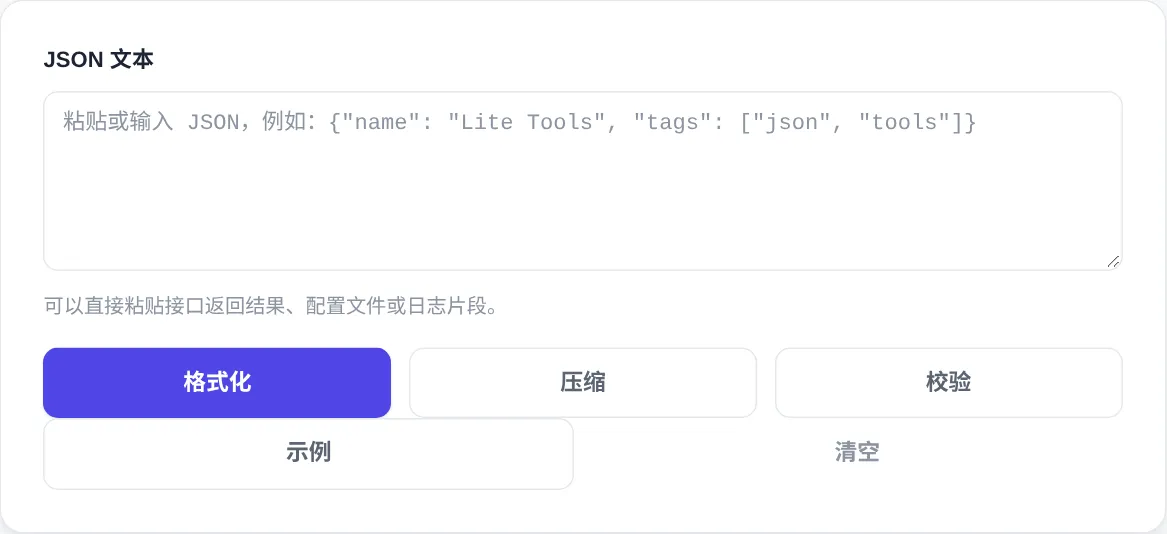
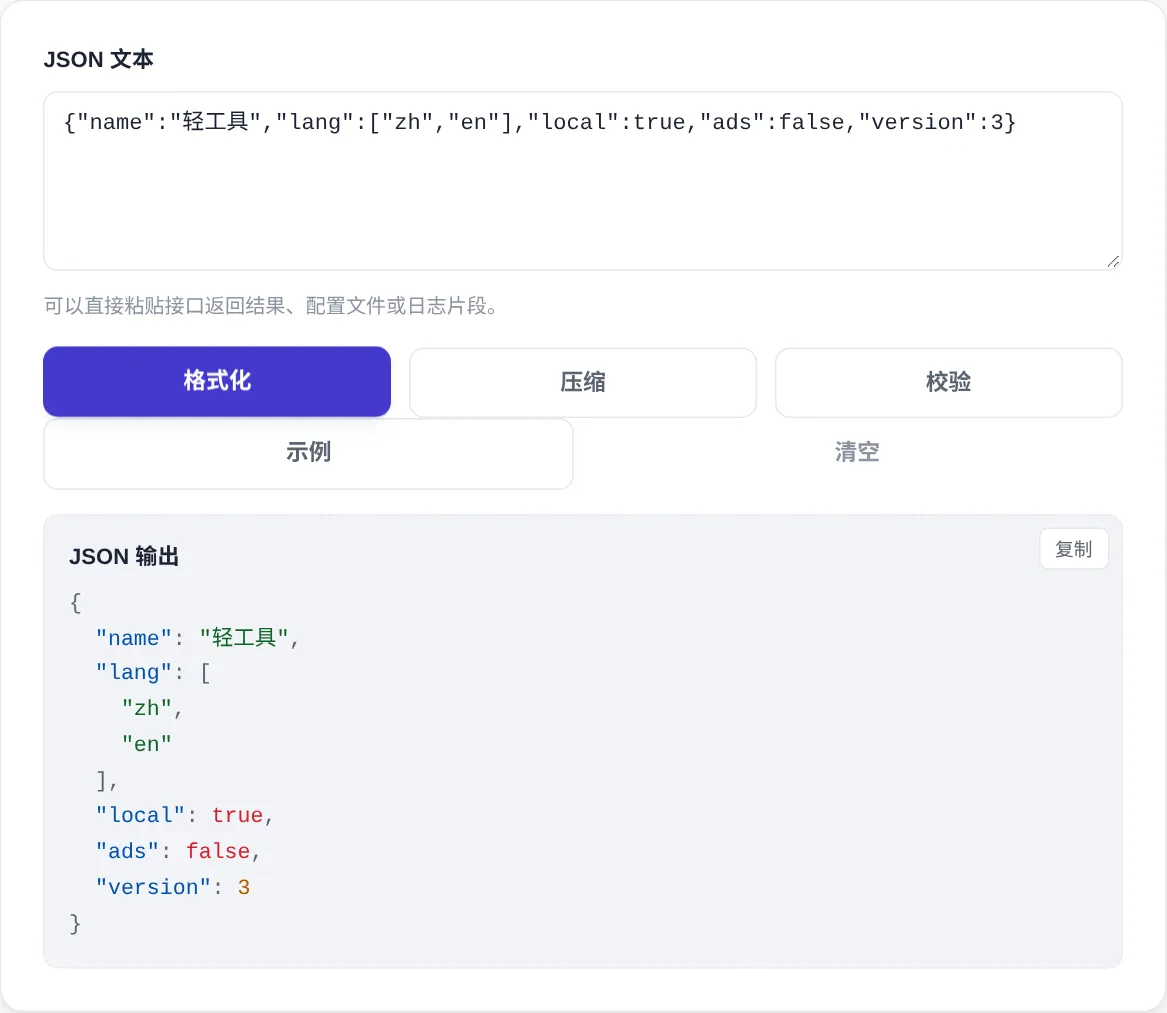
- Paste or type the JSON text in the box above, then click "Format" to get an indented, syntax-highlighted output.
- "Minify" collapses the JSON into a single compact line: handy for smaller API payloads or config entries.
- "Validate" only checks whether the syntax is correct and reports the approximate line and column of an error; it never changes your input.
- Once formatted or minified, click the "Copy" button in the top-right corner of the result area to copy the output.
- Use "Example" to load a sample document instantly, and "Clear" to reset the input and results any time.
FAQ
What rules does the validation follow?
Is the reported "line and column" accurate?
Is my data uploaded to a server?
Screenshots
How to use
- Paste your JSON
Paste an API response, config file or log snippet into the input box, or click Example to load a ready-made sample document and see how the tool responds.
- Format for readable output
Click Format to expand compact JSON into an indented, syntax-highlighted layout. Nested objects and arrays line up clearly, which makes missing or misplaced data easy to spot.
- Validate and locate errors
Click Validate to check syntax without changing anything. If the JSON is invalid, the tool reports the approximate line and column so you can fix missing commas or mismatched brackets fast.
- Minify for compact payloads
Click Minify to strip all whitespace and squeeze the JSON onto a single line. The compact form is ideal for API payloads, config entries or storing values where size matters.
- Copy or reset the workspace
Use the Copy button at the top-right of the result area to grab the output. Before handling the next snippet, click Clear so leftover input never mixes into new data.
About this tool
This is a JSON formatter, minifier and validator that runs entirely inside your browser. It parses strictly against standard JSON, so keys must use double quotes and trailing commas or comments are rejected. When something is wrong, the tool reports the approximate line and column of the error instead of a vague failure, which turns a frustrating syntax hunt into a two-second fix. Because every operation is local JavaScript, pasting sensitive payloads such as auth responses or customer records never sends a single byte to a server.
Reach for it whenever raw JSON shows up as one unreadable line: inspecting nested API responses during frontend and backend integration, double-checking a settings file before deployment, or pulling a JSON fragment out of application logs. Developers use Format while reading data and Minify right before shipping it. Testers can confirm a payload is syntactically valid before blaming the interface, and anyone who occasionally touches JSON gets a safe playground that keeps the original input untouched until they choose an action.
How it works
JSON is the default data format for most web APIs, popularised by Douglas Crockford around 2001. The grammar is tiny: braces for objects, brackets for arrays, colons and commas for pairs, double quotes for strings. A small grammar has zero tolerance. One extra comma or one missing quote fails the whole file. When that happens, paste the payload here: the tool shows the structure and points at the line where parsing stopped.
Formatting and minifying are opposite operations. Formatting expands whitespace into indentation for reading; minifying strips every byte of it for smaller payloads. Validation follows RFC 8259 strictly: keys must use double quotes, and comments or trailing commas are rejected. Data copied from JavaScript objects or Python dicts often breaks these rules, because object literals allow single quotes and trailing commas. Clean those two up and validation usually passes.
When to use it
- Debugging API responses
A backend response arrives as one long line. Paste it here, format, and read the structure level by level. The line and column hints separate data problems from syntax problems in seconds.
- Checking config files
Run config.json through Validate before shipping. Misspelled keys, wrong types and unclosed brackets surface before deployment.
- Reading log fragments
JSON copied from logs is often incomplete. Clean it into a valid fragment, format, and the nesting is easy to follow.
Tips & tricks
- Validate never modifies your input, so run it first when a payload is acting up; format only after you know the syntax is clean.
- The error location comes from the parser's exact offset, so jump straight there; nine times out of ten it is a missing comma, an unterminated string or an unbalanced bracket.
- Standard JSON forbids comments and trailing commas; if your data came from a JS file or log line, strip those first or validation will reject an otherwise fine structure.
Things to watch
- Single quotes and trailing commas are invalid
Data copied from JS objects or Python dicts often has both. Swap in double quotes, drop the final comma, then validate.
- Error positions are approximate
Line and column numbers come from the parser offset and can be off by a character or two. Search near the reported spot.
- Watch out for BOM
Content copied from Excel or Windows editors may start with a BOM. If validation reports an unexpected character, re-save as UTF-8 without BOM.