Hash Generator
Compute MD5, SHA-1, SHA-256 and SHA-512 hashes of any text or file. Drop a file or paste text: large files are read in chunks with live progress, and everything runs locally through your browser's native crypto API.
How to use
- Pick a data source: for Text hash, paste your content into the box; for File hash, click or drag a file onto the dashed area.
- Choose an algorithm from the dropdown: MD5, SHA-1, SHA-256 or SHA-512. SHA-256 is the usual choice for download verification.
- Click "Hash it" to get the lowercase hex digest. Large files are processed chunk by chunk with a live progress display.
- Click "Copy result" to put the digest on your clipboard and compare it with the value published by the official source.
FAQ
What is a hash and how is it different from encryption?
Which algorithm should I choose: MD5, SHA-1 or SHA-256?
Will a large file freeze the page?
Is my file uploaded to a server?
Screenshots
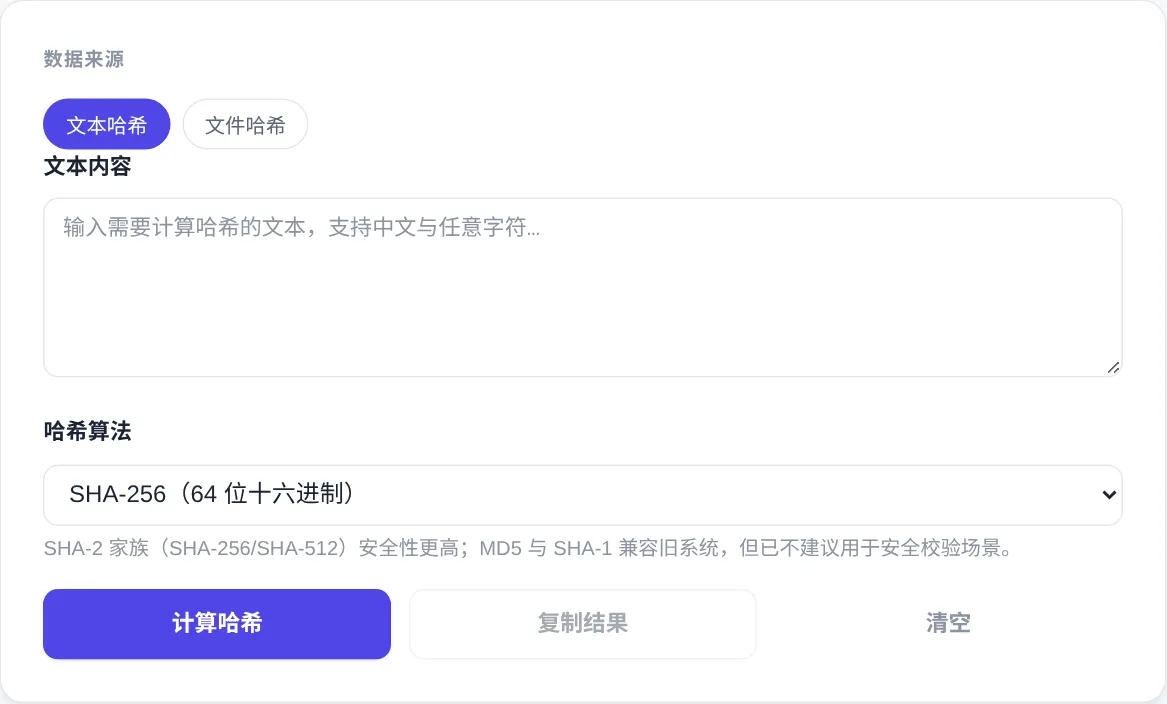
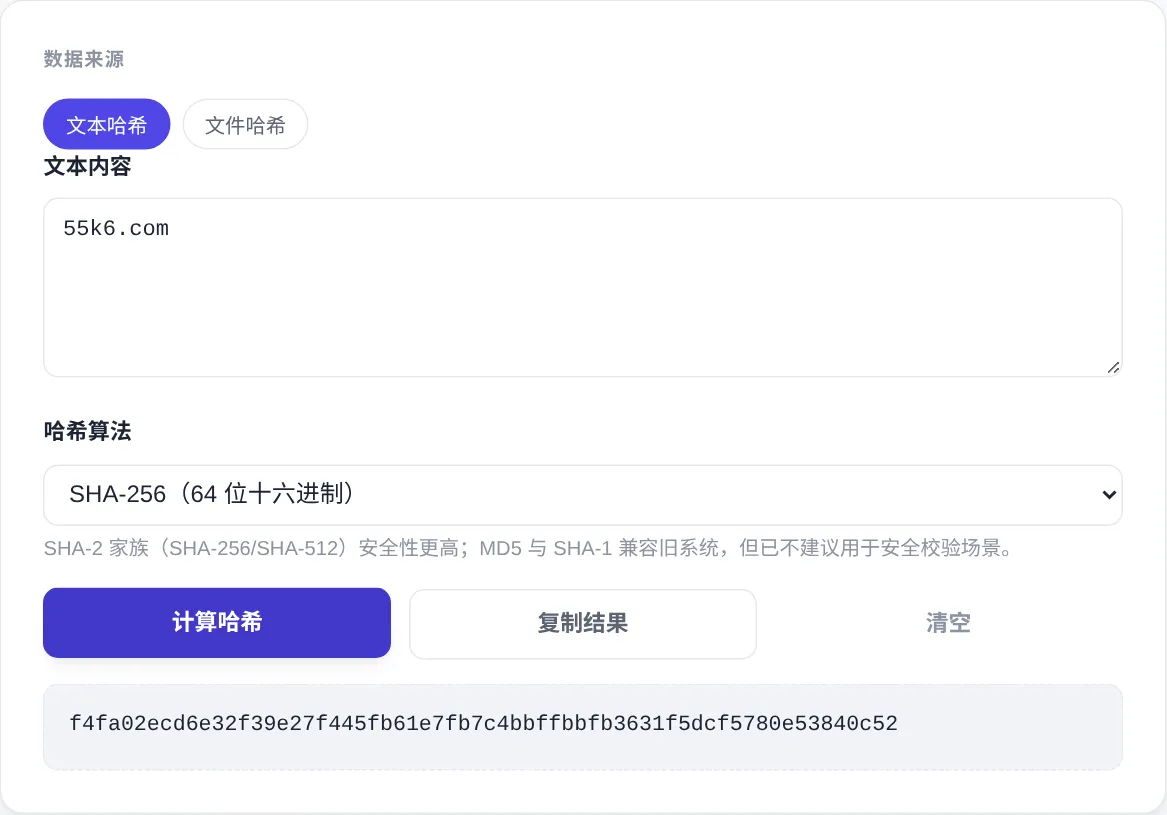
How to use
- Choose text or file
Text hash is the default source: paste your content into the box. For downloads, switch to File hash and click or drag the file onto the dashed drop area.
- Pick the algorithm
Select MD5, SHA-1, SHA-256 or SHA-512 from the dropdown. SHA-256 is the usual choice, because official sources publish SHA-256 checksums for download verification.
- Compute the digest
Press Hash it to get a lowercase hex digest. SHA-256 always prints 64 hex characters. Large files are read chunk by chunk with a live progress bar.
- Compare against the source
Use Copy result and paste the digest beside the value published by the vendor. Compare character by character; any difference means the file was altered or corrupted.
About this tool
A hash maps data of any size to a fixed-length fingerprint. SHA-256 always produces 64 hex characters, and changing one byte of input changes the whole digest. The process is one-way, so a digest cannot be turned back into content. Hashes verify integrity, not secrecy. This generator uses the browser's native Web Crypto API and computes everything locally. Neither pasted text nor dropped files ever leave your device.
Typical jobs include checking that a downloaded installer, disk image or firmware matches the checksum its publisher posted. Developers also compare build artifacts and config files between environments. You can fingerprint sensitive files without exposing their contents. Treat MD5 and SHA-1 as quick references for legacy systems or duplicate detection only. For anything security-sensitive, choose SHA-256 or SHA-512 from the dropdown instead. The dropdown labels each algorithm with its digest length, so truncated or wrong-algorithm results are easy to spot.
How it works
Ron Rivest designed MD5 in 1991, and it outputs 128 bits; today anyone can construct two different files with the same digest. SHA-1 came out of the NSA and was published by NIST in the FIPS 180 series with a 160-bit digest. In 2017 Google and CWI announced SHAttered, the first practical collision for SHA-1. SHA-256 belongs to the successor SHA-2 family, outputs 256 bits, and prints as exactly 64 hexadecimal characters. No practical collision attack is known for it, which is why publishers default to SHA-256 and security-sensitive work never goes back to the old algorithms. Longer digests are harder to collide.
The avalanche effect is the defining property here. Flipping one input bit flips roughly half of the output bits. Two files of the same size that differ by one character therefore produce unrelated digests. The mapping is one-way, so a digest cannot be turned back into content; a hash proves identity, not secrecy. Text is hashed after UTF-8 encoding here, so mixed-language content digests exactly what command-line tools compute. Files are read block by block, so the whole file never needs to sit in memory at once.
When to use it
- Verifying a download before install
Before installing a download, compare the vendor's published SHA-256 value with your locally computed digest, character by character. That one check catches corrupted transfers and swapped malicious files alike.
- Confirming a deployment actually shipped
Build artifacts can share a filename while their content differs. Comparing digests between builds tells you whether the CDN or the server really serves the new version, which helps when chasing stale-cache reports.
- Fingerprinting sensitive documents
For contracts or evidence files that must be provably unmodified, compute a digest and archive it separately. Recomputing it years later settles the question without uploading the document anywhere.
Tips & tricks
- MD5 and SHA-1 are vulnerable to collision attacks; use them only for legacy compatibility or quick duplicate checks, never for security verification.
- Files are read in 1 MB chunks with a live progress bar, so even multi-gigabyte disk images will not freeze the tab.
- When comparing digests, watch letter case and stray spaces. Official checksums are often uppercase, while this tool outputs lowercase hex.
Things to watch
- Copied values can arrive truncated
Official checksums are typically 64 hexadecimal characters. Web copies often lose a chunk to line wrapping or pick up surrounding text. Confirm the length matches the algorithm before comparing character by character.
- Match the published algorithm
The same file yields entirely different digests under MD5 and SHA-256. Check which algorithm the publisher used before comparing; validating with the wrong one only breeds false suspicion of a bad download.
- A matching checksum is not safety
A digest identical to the published one proves the file is unmodified, not that it is benign. An installer from an untrusted site can pass its own checksum and still be malicious, so judge the source and the digest separately.